Affiliate disclosure: This post contains affiliate links. If you buy through one, I may earn a commission at no extra cost to you. As an Amazon Associate I earn from qualifying purchases.
A new planner feels great for about two weeks. Then February shows up, the pages go blank, and it ends up under the mail.
That usually isn’t a willpower problem. It’s a setup problem. Most planners get started on January 1 with one pretty page and nothing else: no birthdays, no renewal dates, no idea when the next big reset happens. So the planner never earns its spot on the counter.
Here’s the fix. One hour, sometime before January 1, with a pen and whatever planner you’ve got. You load in the dates that matter all year, pick a monthly reset day, set up the first week, and decide when you’ll sit down with it each week. After that, it’s 15 minutes on a Sunday.
Quick answer: To set up a paper planner for the new year, give it one hour in December and do six things: (1) fill the year-at-a-glance page with birthdays, holidays, trips and renewal dates, (2) add recurring bills and appointments to each month, (3) pick one reset day per month, (4) set up the first weekly page with three priorities, (5) make one capture spot for stray notes, and (6) book a 15-minute weekly planning date. Skip the decorative spreads until the basics stick.
Free printable · 3 pages · no email needed
2027 Planner Setup Kit
A 2027 year at a glance with the federal holidays and clock changes already marked, a Monthly Reset page for one reset day and focus per month, and a weekly page with a top three, if-then lines and a capture box. Print it and drop it in any planner or notebook.
Why paper planners are having a moment
You’re not imagining it. In January 2026, WBEZ Chicago reported lines outside local stationery shops. Paper & Pencil’s sales were up 150% year over year in 2025, and Atlas Stationers grew 45%. The owners credited a “return to analog” on social media, and Atlas said its planner setup meetups sell out quickly (WBEZ Chicago).
The reason shoppers gave was simple: screen fatigue. One owner described customers who spend most of their workday looking at a screen and want “this physical way to connect with themselves.”
A paper planner won’t make a busy year less busy. But it gives your plans one place to live that doesn’t buzz.
Why an hour of setup beats a perfect first page
Two pieces of research explain why the setup matters more than the planner.
Unfinished plans nag at you. In a 2011 set of studies published in the Journal of Personality and Social Psychology, psychologists E. J. Masicampo and Roy Baumeister found that unfinished goals caused intrusive thoughts and got in the way of unrelated tasks. When people made a specific plan for the goal, those effects went away, even though the goal itself wasn’t done yet (Masicampo and Baumeister, 2011). In plain words: writing down when you’ll deal with something lets your brain set it down for now.
Specific beats vague. Peter Gollwitzer and Paschal Sheeran pulled together 94 tests of “if-then” plans, which researchers call implementation intentions. Think “If it’s Sunday after breakfast, then I open the planner.” Across those tests, if-then plans had a medium-to-large effect on reaching goals (Gollwitzer and Sheeran, 2006).
So a planner works best when it holds real plans: a date, a time, and the next step. Good intentions in nice handwriting don’t count.

What you need (it’s a short list)
- A planner. Any kind. Dated, undated, or a plain notebook you rule yourself. The table below helps if you haven’t picked one.
- One pen you like. Color coding can wait.
- Your phone calendar, open once. You’re copying the important dates out of it. Then it goes away.
- A small pocket notebook, if you want one. It catches notes on the go so the planner stays tidy. Something like a plain Field Notes kraft 3-pack works, or any small notebook you already own.
- A timer. Set it for 60 minutes so setup doesn’t eat your whole afternoon. A wind-up kitchen timer does the job, and so does the one on your stove.
Pick a format that fits your week
| Format | What it looks like | A good fit if |
|---|---|---|
| Daily | One page per day | You juggle lots of appointments or calls, or like to jot a few lines each day |
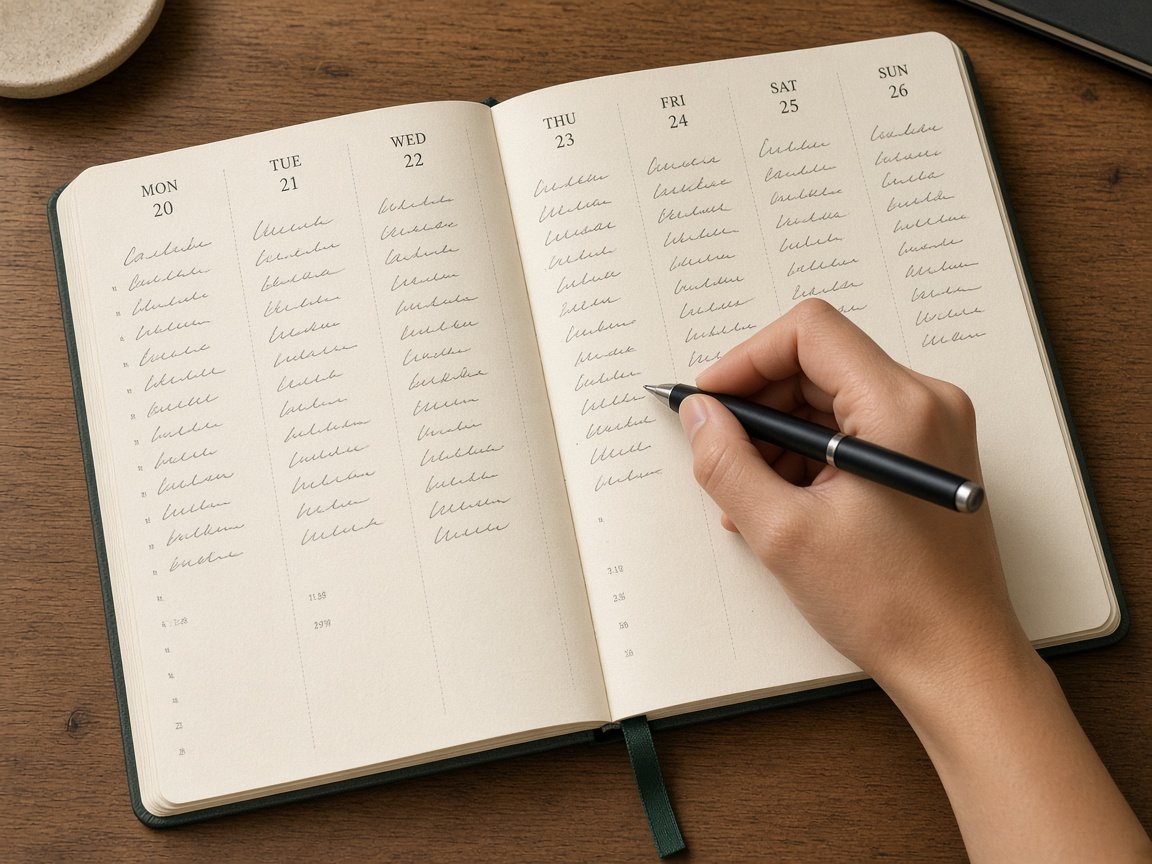
| Weekly vertical | Seven columns, like a calendar | Your days run in time blocks |
| Weekly horizontal | Seven stacked boxes | You mostly track to-dos, not hours |
| Monthly only | One grid per month | Your weeks are simple and you mostly need dates |
| Blank or dot grid notebook | You draw what you need | You want full control and don’t mind ruling pages |
Stuck? A weekly layout plus monthly calendars covers most households. The free printable follows that pattern, so you can try it before buying anything.
The one-hour planner setup
Set the timer and go in order. Each step has a time limit, so nothing turns into a project.
1. Fill in the year at a glance (10 minutes)
This is the page most people skip, and it’s the one that makes the planner useful in March. Add:
- Birthdays and anniversaries
- Holidays and school breaks
- Trips you already know about
- Renewals: car registration, passports, memberships, and any subscription you want to cancel before it renews
- Big seasonal jobs, like taxes or the holiday gift list
Here are the 2027 federal holidays from the U.S. Office of Personnel Management. OPM lists them on the weekday they’re observed, so a few land a day off from the calendar date (OPM).
| Holiday | Observed in 2027 |
|---|---|
| New Year’s Day | Friday, January 1 |
| Birthday of Martin Luther King, Jr. | Monday, January 18 |
| Washington’s Birthday | Monday, February 15 |
| Memorial Day | Monday, May 31 |
| Juneteenth | Friday, June 18 (June 19 is a Saturday) |
| Independence Day | Monday, July 5 (July 4 is a Sunday) |
| Labor Day | Monday, September 6 |
| Columbus Day | Monday, October 11 |
| Veterans Day | Thursday, November 11 |
| Thanksgiving Day | Thursday, November 25 |
| Christmas Day | Friday, December 24 (December 25 is a Saturday) |
Add the clock changes too. NIST says daylight saving time starts at 2 a.m. on the second Sunday of March and ends at 2 a.m. on the first Sunday of November (NIST). In 2027, that’s Sunday, March 14 and Sunday, November 7.
State, school and work holidays vary, so check yours locally and add them.
2. Add the recurring stuff to each month (10 minutes)
Go month by month and write in anything that happens on a set date: bills with due dates, standing appointments, the trash and recycling holiday shuffle, quarterly payments if you make them.
If you do a Paperwork Hour, this is where it pays off. The due dates you sort there finally have a home.
Pencil is fine for anything that might move.
3. Pick one reset day a month (10 minutes)
This is the Timber & Trend part. Pick one day each month for a bigger home reset and write it in now, before the month fills up. The first Saturday of the month is easy to remember.
Use it for the jobs that don’t fit in the weekly home reset: the freezer inventory, the medicine cabinet clean-out, the pantry, the linen closet. Give each month one focus. Twelve small resets beat one giant January purge.
The printable’s Monthly Reset page has a row for each month: the date, the one focus, and a few tasks.
4. Set up the first week (15 minutes)
January 1, 2027 is a Friday, so the first full week starts Monday, January 4 (or Sunday, January 3 if your planner starts on Sunday). On that page, write:
- Your top three. Three things that would make it a good week. Not twelve.
- Appointments, with times.
- One if-then line. “If it’s Tuesday after dinner, then I do the laundry reset.” That’s the Gollwitzer and Sheeran idea, put to work.
- Dinners, if you plan food. A weekly leftover night is an easy one to pencil in.
Then stop. Don’t fill out February. Weekly pages work best one week at a time.
5. Make one capture spot (5 minutes)
Stuff pops into your head all week: a phone number, a gift idea, “buy stamps.” Give it one place to land so it doesn’t end up on the back of a receipt. The back pages of the planner work. So does a sticky note inside the cover, or the pocket notebook in your analog bag.
When you sit down to plan, empty it into the right spots.
6. Book your weekly planning date (10 minutes)
A planner only works if you open it. Pick a time and write it into every week of January, as an if-then: “If it’s Sunday after breakfast, then I plan the week.”
Fifteen minutes covers it:
- Look back. What got done? What moves to next week?
- Empty the capture spot.
- Check the month page for anything coming up.
- Write next week’s top three.
That’s the whole system. The setup hour is the hard part.
What to skip for now
- A tracker for everything. One habit tracker is fine. Ten is a part-time job.
- Decorating before using. Stickers and washi tape are fun. Add them once the planner is part of your week, not instead of it.
- Copying someone else’s spread. The setups you see online are pretty, and for a lot of people planning is the hobby. Yours only has to work for your week.
- Starting over after a missed week. Leave the blank pages blank and pick up with this week. No restarts, no guilt.
Giving a planner as a gift?
A planner is a thoughtful gift for someone who keeps saying they want to be on their phone less. It fits right in with our low-waste holiday gift ideas, and it’s an easy shape to wrap in fabric or kraft paper (zero-waste gift wrapping). Tuck a printed copy of the setup kit inside so they can do their hour during New Year’s week.

Keeping it going in January
- In mid-January, flip back to the year page. Anything missing? Add it.
- Tie the weekly planning date to something you already do, like Sunday coffee or the weekly reset.
- On long winter nights, planning the week is a good screen-free evening activity. It’s quiet, it’s useful, and the phone can stay in the other room.
FAQ
When should I set up my planner for the new year? Any time in December works. Setting it up before January 1 means the first week is already planned when the year starts, instead of the first week being spent on setup.
What should go on the year at a glance page? Dates you’d hate to miss: birthdays, anniversaries, holidays, school breaks, trips, renewals, and big seasonal jobs like taxes. Keep everyday tasks off it.
Daily or weekly planner? If most of your days are full of appointments, daily pages give you room. If you mostly track to-dos and a few appointments, a weekly layout with monthly calendars is usually enough, and it’s easier to keep up with.
What if I stop using it in February? Don’t restart. Open it to this week, write a top three, and book the next planning date. A planner with a few blank weeks still works.
Related guides
- How to Organize Paperwork at Home: where your due dates come from
- The Weekly Home Reset Routine: the reset your weekly page plans around
- How to Pack an Analog Bag: a home for your pocket notebook
- Screen-Free Winter Evenings: more offline ideas for long nights
- Leftover Night: one easy dinner to write in every week
- Low-Waste Holiday Gift Ideas: gifts that get used
- More slow, offline ideas in Analog Life
Sources
- Mariah Rush, WBEZ Chicago. Looking for a pen? Shoppers overwhelm Chicago stationery shops as social media touts ‘return to analog’ (January 15, 2026). Paper & Pencil sales up 150% year over year in 2025; Atlas Stationers up 45% in 2025 versus 2024; planner setup meetups that sell out; customers tired of screens.
- E. J. Masicampo and Roy F. Baumeister. Consider It Done! Plan Making Can Eliminate the Cognitive Effects of Unfulfilled Goals. Journal of Personality and Social Psychology 101(4), 667 to 683 (2011). Unfulfilled goals caused intrusive thoughts and interfered with unrelated tasks; forming specific plans eliminated those effects.
- Peter M. Gollwitzer and Paschal Sheeran. Implementation Intentions and Goal Achievement: A Meta-Analysis of Effects and Processes. Advances in Experimental Social Psychology 38, 69 to 119 (2006). 94 independent tests; if-then plans had a medium-to-large effect (d = .65) on goal attainment.
- U.S. Office of Personnel Management. Federal Holidays, 2027 schedule (observed dates).
- National Institute of Standards and Technology. Daylight Saving Time Rules. DST begins at 2 a.m. on the second Sunday of March and ends at 2 a.m. on the first Sunday of November.
Save this for later
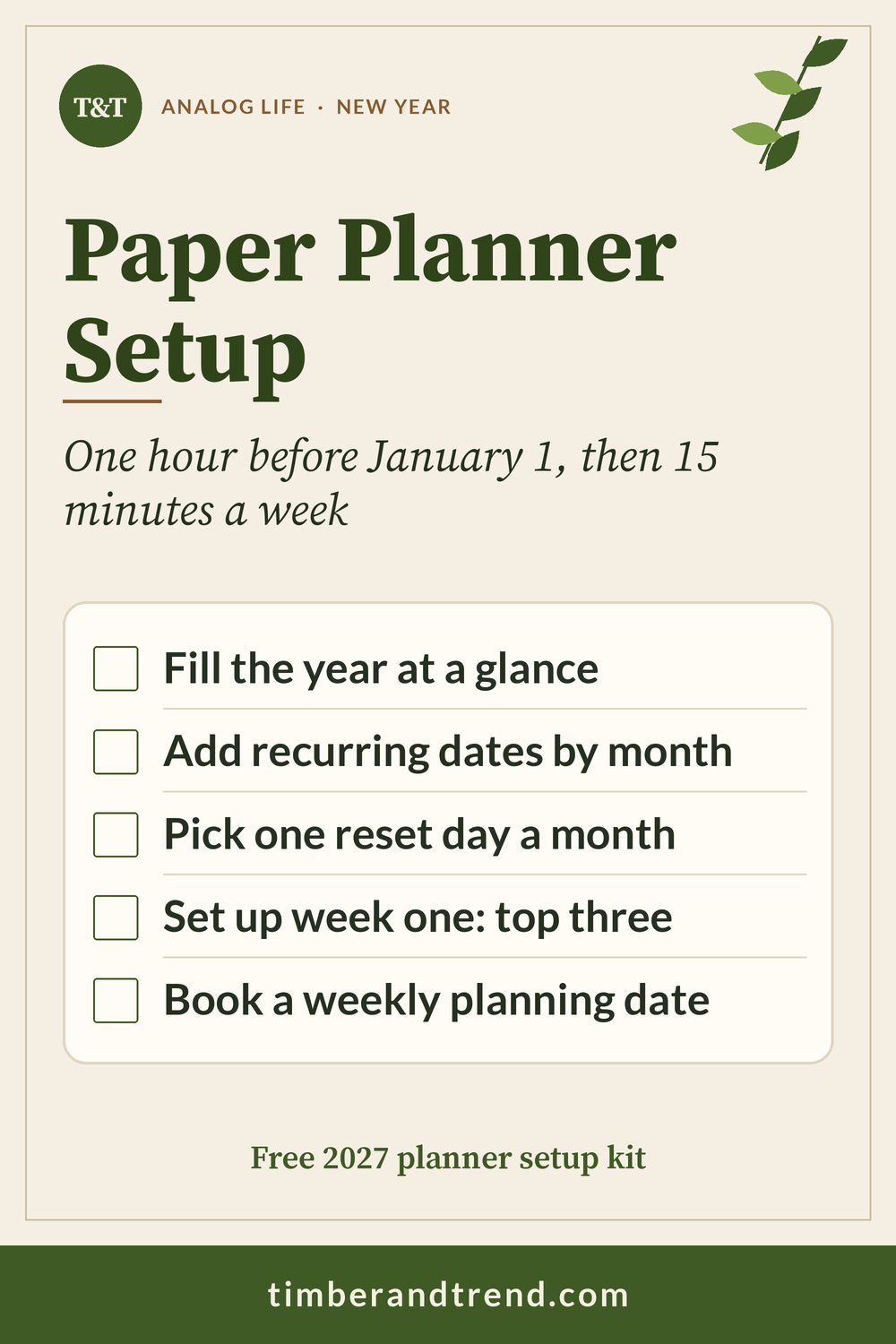
Pin it to your Analog Life board so the setup hour is there when the new planner shows up.
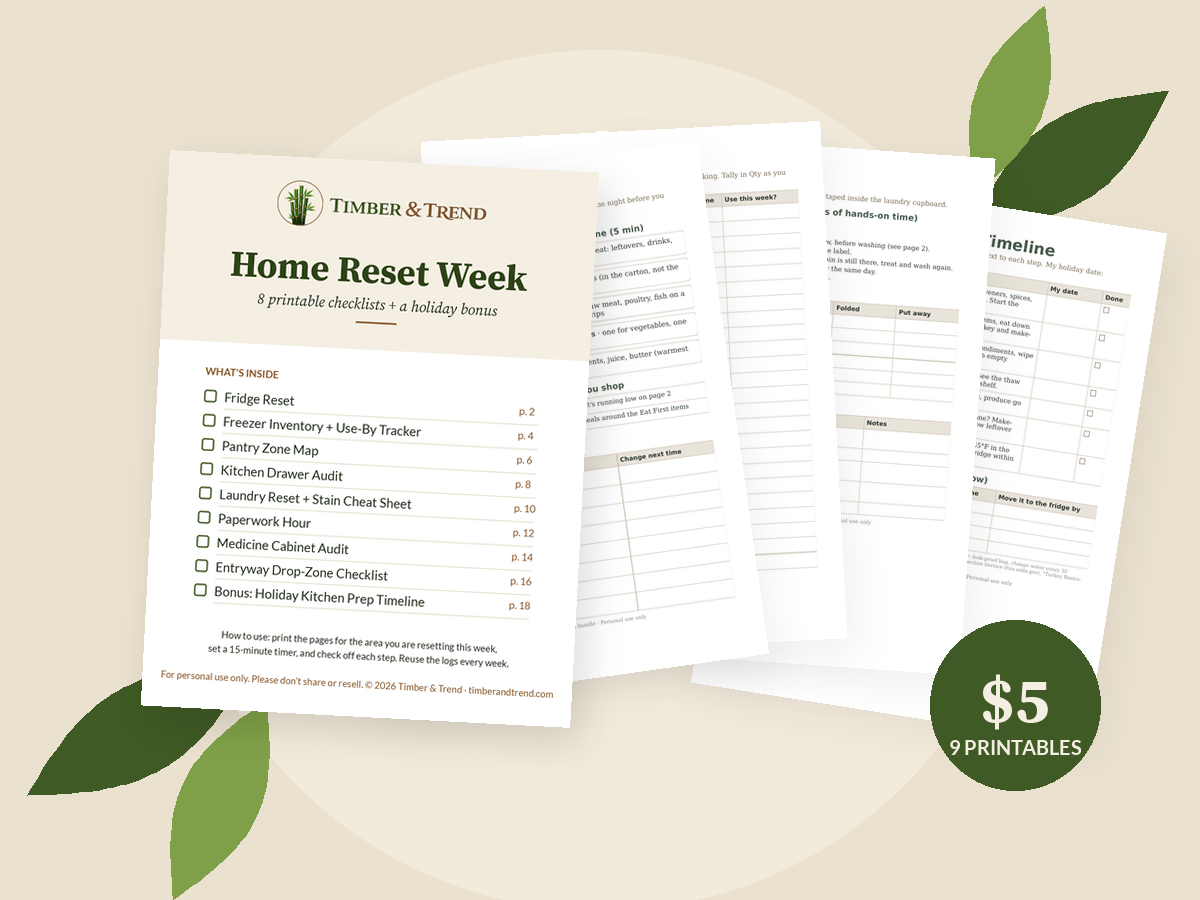
Printable bundle · $5 launch price
Get every checklist in one place
The Home Reset Week bundle has 8 printable resets (fridge, freezer, pantry, drawers, laundry, paperwork, medicine cabinet, entryway) plus a holiday kitchen prep timeline.