

When something goes sideways, you do not want to dig through a junk drawer for an insurance card or a phone number. A household binder (sometimes called an ICE binder, for “in case of emergency”) puts the copies you would actually grab into one place: contacts, medical basics, insurance, home info, ID copies, vehicles and pets.
It is not a filing cabinet. Your monthly Paperwork Hour still handles the mail pile. The binder is the grab-and-go layer on top: thin, labeled, and easy for anyone in the house to find.
Free printable · 3 pages · no email needed
Household Binder Checklist
Page one is a setup checklist with supplies and first-afternoon steps. Page two is a section-by-section tab list for ICE contacts, medical, insurance, home, IDs, vehicles, pets and pending. Page three is a monthly refresh log tied to Paperwork Hour.
Affiliate disclosure: This post contains affiliate links. As an Amazon Associate, I earn from qualifying purchases, so if you buy through one of these links I may earn a commission at no extra cost to you. The scene and stock images in this post are for display and inspiration only and may not show the exact items linked.
The short version
- One binder, labeled tabs, with copies of the docs you would need in a hurry.
- Originals of passports, Social Security cards and deeds stay locked up. The binder holds copies.
- Fill Ready.gov plan basics first: how you get alerts, where you meet, who you call.
- Refresh it once a month during Paperwork Hour so nothing goes stale.
- Overflow files (old tax years, thick claim packets) can live in a hanging file box next to the binder, not inside it.
Why one binder beats a drawer full of “important” paper
A drawer labeled “important” fills up fast and never gets sorted. A binder works better because:
- It has a fixed number of tabs. You decide what belongs before the paper arrives.
- Anyone in the house can open it. A babysitter, a neighbor, or a grown kid can find the pediatrician’s number without calling you.
- It stays thin. When a section gets fat, you move archives out. The binder stays grab-and-go.
- It pairs with habits you already have. Paperwork Hour keeps the inbox empty. The binder holds the keepers that matter in an emergency.
Ready.gov puts it plainly: your household may not be together when something happens, so you need a plan for how you will contact each other and where you will meet. Their fillable family emergency communication plan is a good first page for the ICE contacts tab.
What goes in the binder
Use a sturdy 2-inch or 3-inch three-ring binder, clear sheet protectors, and write-on tabs. Label the tabs before you start stuffing paper, or the pile will decide the system for you.
1. ICE contacts
- Out-of-town contact and local emergency contacts
- Work, school and childcare pickup numbers
- Doctors, dentist, pharmacy, vet
- How you get emergency alerts (phone alerts, weather radio, local stations)
- Meeting place near home and one outside the neighborhood
Ready.gov’s Make a Plan checklist is the backbone here: alerts, shelter, evacuation route, household communication plan, and whether your emergency kit needs an update.
2. Medical
- Medication list and dosages (update when prescriptions change)
- Allergies and conditions written in plain language
- Insurance cards (copies) and preferred hospital
- Hearing aids, glasses, mobility gear notes if they matter for your household
This is information, not medical advice. Keep it current so a helper is not guessing.
3. Insurance
- Home or renters policy summary pages
- Auto policy summary pages
- Life or disability policy contacts, if you have them
- Claims phone numbers written on the first page of the tab
4. Home
- Lease or a note about where the deed lives (the deed original stays secure elsewhere)
- Utility account numbers and shutoff notes you are comfortable sharing
- Warranty contacts for major systems
- A simple floor sketch if that helps first responders or a house sitter
5. ID copies
- Copies of driver’s licenses or state IDs
- Passport bio pages (copies only)
- Social Security cards (copies only)
- Birth certificates (copies only)
6. Vehicles
- Registration copies
- Insurance cards
- VIN and plate numbers on one sheet
- Roadside assistance number
7. Pets
- Vet contacts and microchip numbers
- Medication and feeding notes
- Boarding or pet-sitter contacts
Ready.gov’s Build a Kit list also calls out important family documents: copies of insurance policies, identification and bank account records, saved electronically or in a waterproof, portable container. Your binder can be that portable paper set; a small waterproof pouch inside the binder helps if you ever have to leave in a hurry.

What stays out of the binder
The binder holds copies. Keep originals of deeds, titles, passports, Social Security cards, wills and powers of attorney in a locked drawer, safe or safe-deposit box. Put a one-line note in the binder that says where those originals live, so a trusted person can find them without the documents riding around in a tote bag.
Tax returns and thick supporting packets usually belong in your file zones, not in the grab-and-go binder. The IRS explains how long to keep tax records: for many people that is at least three years after you file, longer in special cases, and property records until you dispose of the property plus the limitations period. Keep those with your Paperwork Hour tax-year files. Shred anything with account numbers or Social Security numbers when you no longer need the paper.
If last year’s files are already in hanging folders and you need them out of the active drawer, a file box that takes hanging folders as they are keeps the binder from turning into a second archive.
As an Amazon Associate, I earn from qualifying purchases.
Section tabs that stay usable
Eight to twelve tabs is plenty. A simple set:
| Tab | What lives here |
|---|---|
| ICE contacts | Plan, phone tree, meeting places |
| Medical | Meds, allergies, card copies |
| Insurance | Policy summaries and claim numbers |
| Home | Lease note, utilities, warranties |
| IDs | Copies only |
| Vehicles | Reg, insurance, roadside |
| Pets | Vet, microchip, feeding |
| Pending | Open claims or forms waiting on a reply |
Slip each sheet into a sheet protector so you can pull one page without the rest falling out. Write the date you last updated the tab in pencil on the tab itself.

Set it up in one afternoon
- Buy or grab the supplies. Binder, tabs, sheet protectors, a marker. Masking-tape labels work until you get nicer ones.
- Print the checklist. Use the free printable below and check off as you go.
- Fill ICE contacts first. Use Ready.gov’s plan questions so you are not inventing the structure from scratch.
- Add copies, not originals. Photocopy or scan-and-print the ID and insurance cards.
- Park the binder where adults can find it. A high shelf in the kitchen, a labeled spot in the hall closet, or next to your Paperwork Hour file box. Tell everyone who needs to know.
- Put a refresh date on the cover. Same day as your monthly Paperwork Hour.
Monthly refresh (tie it to Paperwork Hour)
During Paperwork Hour, spend the last five minutes on the binder:
- Swap expired insurance cards
- Update the medication list
- Add new contacts (new school, new vet, new neighbor)
- Move thick resolved claim packets out to archive files
- Confirm the out-of-town contact still answers that number
If January is when you do a bigger paper clear-out, the New Year declutter checklist gives paper two days of its own (the paper pile and files to archive). That is a natural moment to build the binder if you do not have one yet.
A handwritten list system helps with the “still need to copy” list while you are gathering docs, and your paper planner can hold the recurring “binder refresh” on the same day as Paperwork Hour. The weekly home reset keeps the rest of the house light so admin night does not compete with a sink full of dishes.
Free printable: Household Binder Checklist
Three pages, no email needed:
- Setup checklist with supplies and the first-afternoon steps
- Section checklist for each tab (contacts, medical, insurance, home, IDs, vehicles, pets, pending)
- Monthly refresh log so you can tick the months you actually opened it
Optional supplies (keep it simple)
You do not need a boutique office suite. A sturdy binder, tabs and sheet protectors cover most households. If archived hanging files are overflowing next to the binder, the file box linked above is the one we use for overflow, not for the grab-and-go pages.
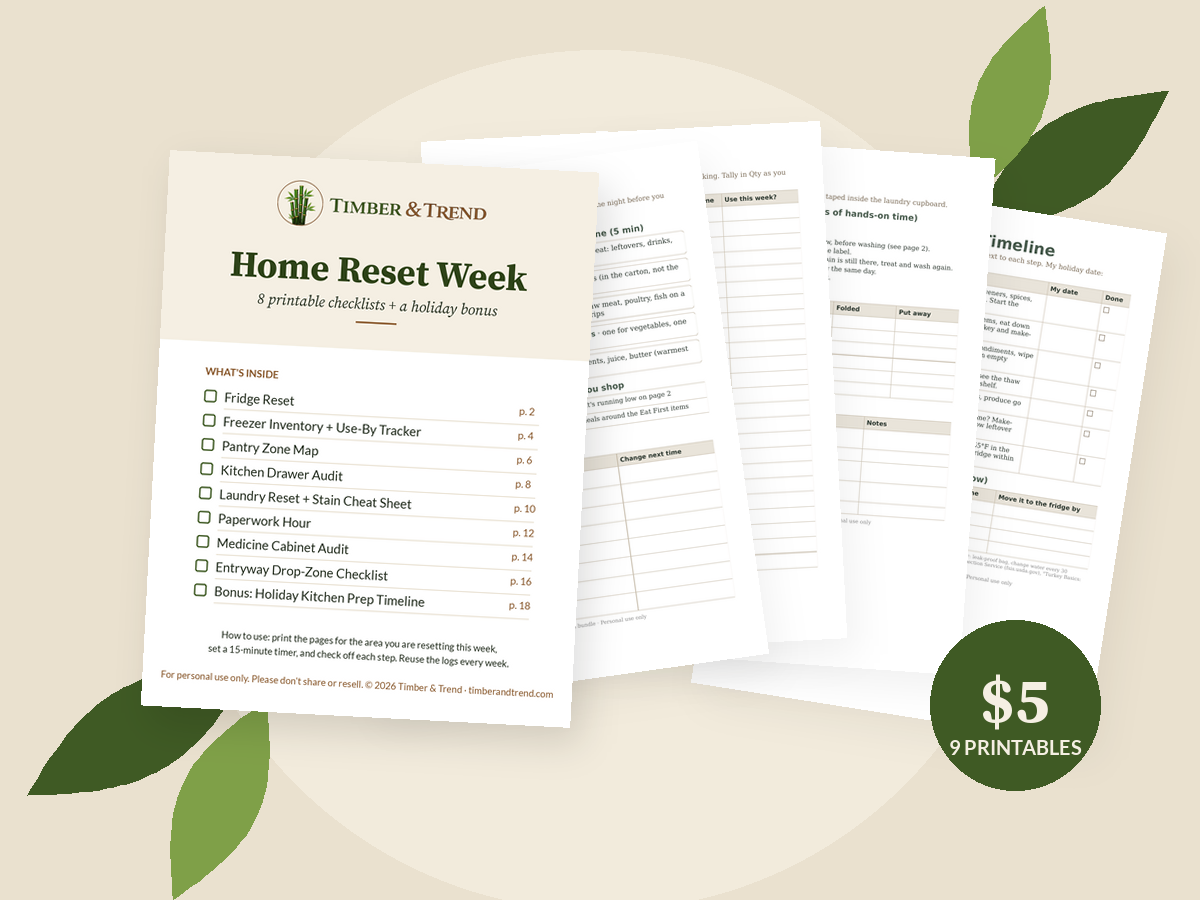
Want every reset checklist in one download? The $5 Home Reset Week bundle includes the paperwork reset plus fridge, freezer, pantry, laundry and more.
Related guides
- Paperwork Hour: organize bills, mail and forms
- New Year declutter checklist
- Handwritten list system
- Paper planner setup
- Weekly home reset routine
- Guest room checklist (handy if a helper stays over during a family emergency)
- More in Analog Life
Sources
- Ready.gov: Make a Plan
- Ready.gov: Family Emergency Communication Plan (PDF)
- Ready.gov: Build a Kit (important family documents)
- IRS: How long should I keep records?
Save this for later
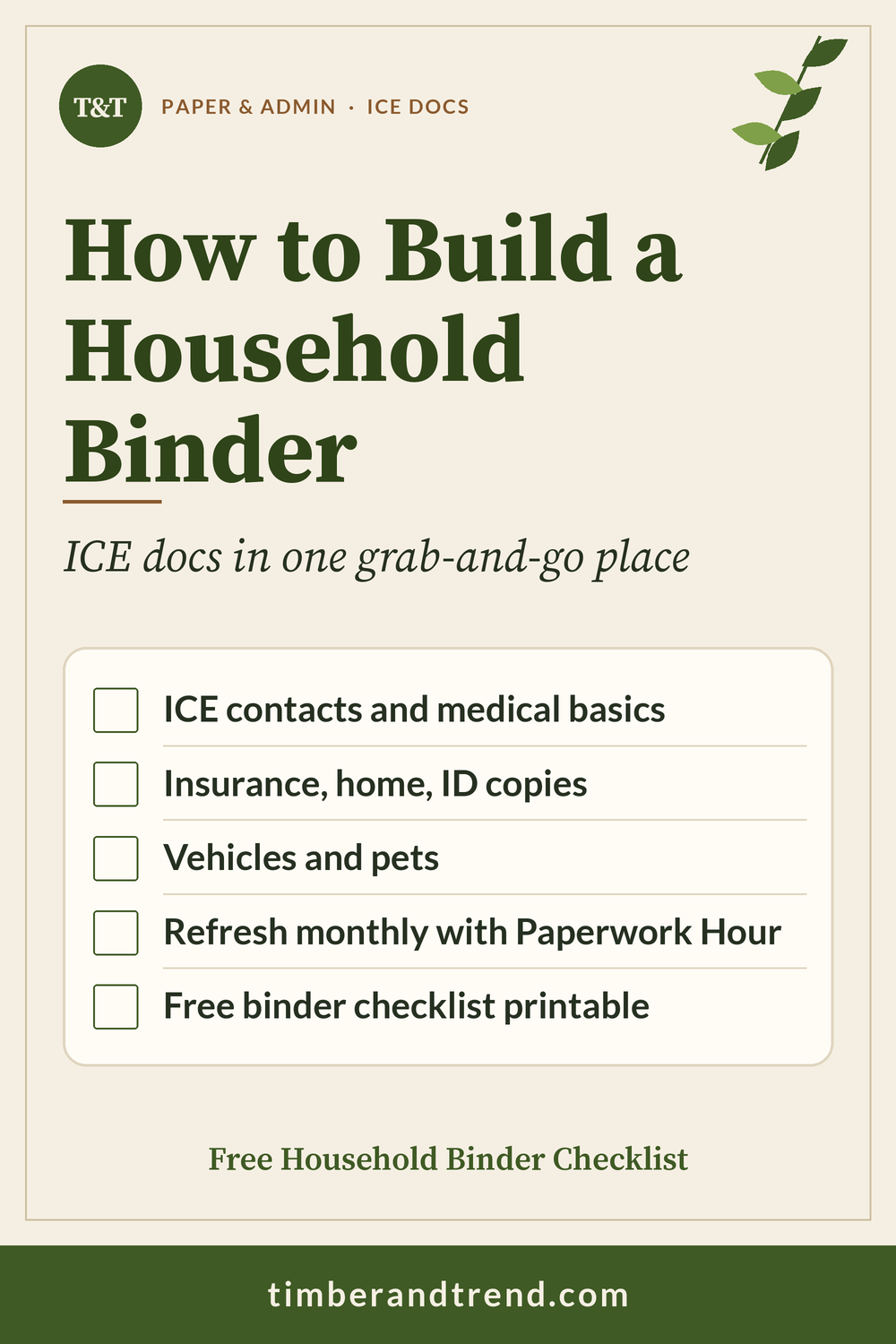
Pin it to your Paperwork Hour board so the binder checklist is there the next time mail piles up.
Printable bundle · $5 launch price
Get every checklist in one place
The Home Reset Week bundle has 8 printable resets (fridge, freezer, pantry, drawers, laundry, paperwork, medicine cabinet, entryway) plus a holiday kitchen prep timeline.